
BRIGHTS OUT
Brights Out
Noir hwatu roguelike · iPhone & iPad
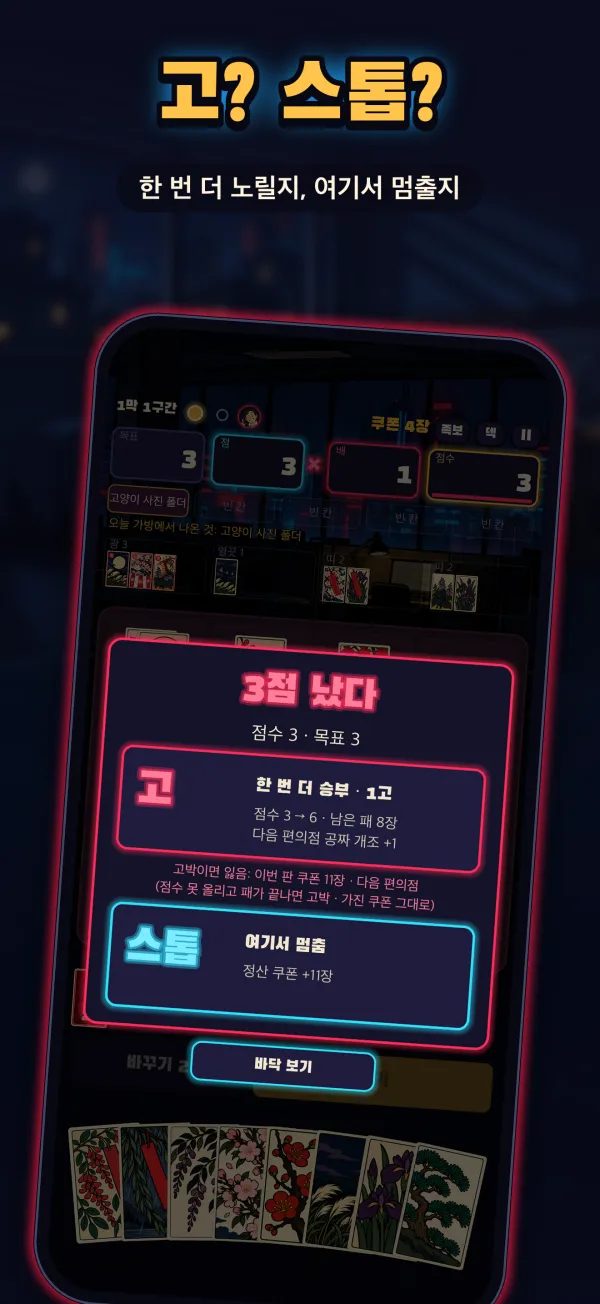
5:55 p.m. You're packing your bag when someone behind you says, “Got a sec?” Brights Out is a single-player card game where you fight through 27 bosses blocking your commute, your sleep and your morning ride in — armed with one deck of hwatu (Korean flower cards). Match cards of the same month to build scoring sets, and once you pass the target, decide whether to call Go or Stop. Between rounds, buy charms at the mart and modify cards to build a deck that's all yours.
Download on the App StoreiPhone & iPad · Free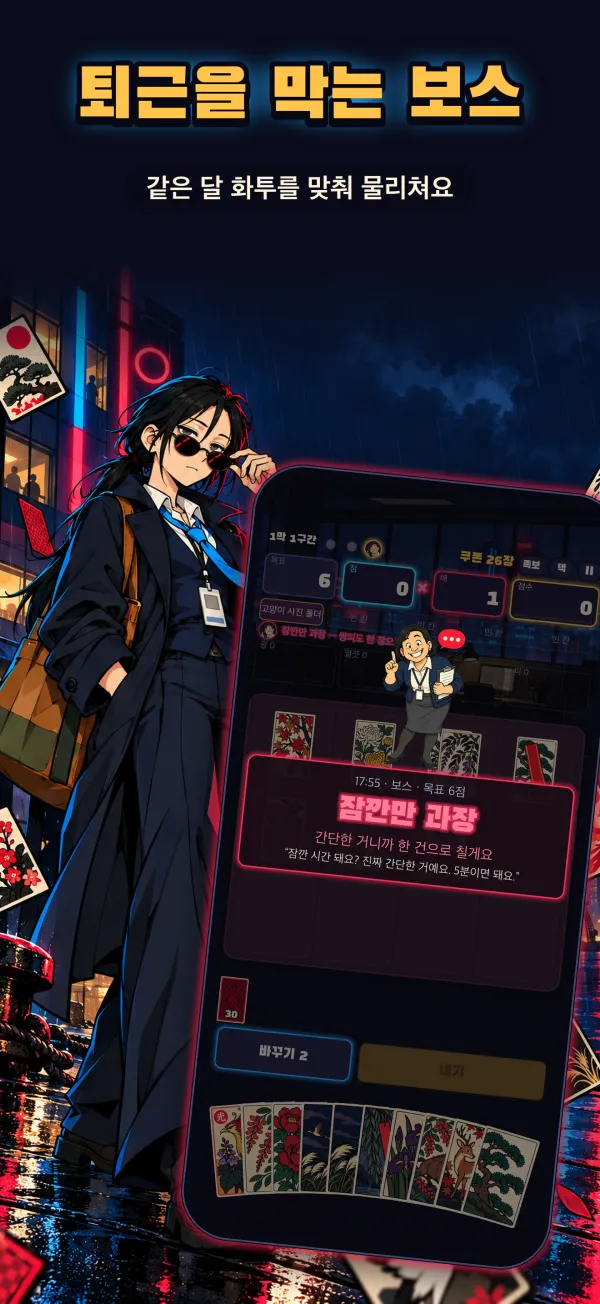
FAQ
Do I need to know hwatu?
No. Asst. Mgr Dajeong, your coworker, walks you through the first game. Open Learn on the home screen to see example cards for every scoring set and warm up with a practice round.
Is real money involved?
No. It's a solo game with no opponents, and no real money or prizes change hands. Coupons are earned by winning rounds and can only be spent at the in-game mart; they can't be bought or exchanged.
Are there ads or purchases?
You can play to the end for free. Banner ads appear at the bottom of the home, mart and result screens, and rewarded ads play only when you tap “Watch ad” in the mart or the retry button after a lost round. The only paid item is the Clock-Out Pass, a one-time purchase (price shown in the App Store in your currency). It stays active once bought: banner ads disappear and rewards that used to require an ad are given right away. Buy it from Home › Settings › Clock-Out Pass.
Having trouble with a purchase?
① Go to Home › Settings › Clock-Out Pass and tap Restore. This also brings the pass back after you change devices or reinstall the app.
② If it still isn't applied, fully close the app and open it again.
③ If that doesn't help, payments are handled by Apple, so you can request a refund at reportaproblem.apple.com.
Where is my progress saved? I want to start over.
There's no login; progress and records are stored only on this device. To start over, tap Home › Settings › Delete save. Deleting the app removes them too, and they can't be moved to another device or recovered.
Can I change the language?
Yes. The game supports English, Korean, Japanese and Traditional Chinese, and follows your device language by default. You can switch it in Home › Settings.
I found a problem.
Please email us below. Including your device model, iOS version, which act and stage you were on, and a screenshot helps us fix it quickly.
Contact
Questions, bug reports and suggestions are welcome by email: over.the.ocean.apps@gmail.com
Email us